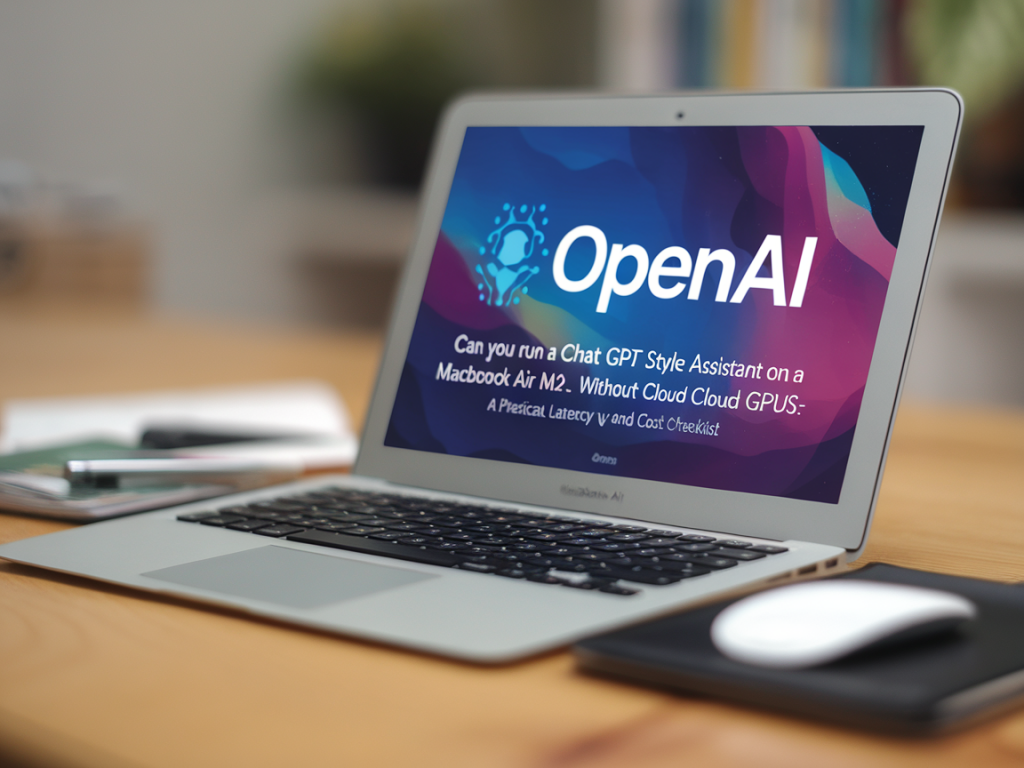
I’ve been tinkering with running large language models locally on laptops for a while, and the MacBook Air M2 keeps coming up as the sweet spot people ask about: thin and light, surprisingly capable GPU, and excellent battery life. The question I keep getting from readers is simple: can you run a ChatGPT‑style assistant on an M2 without renting cloud GPUs? The short practical answer is yes—for many useful, chatty assistants—but with clear tradeoffs in latency, model quality, context size and cost. Below I walk through a hands‑on checklist you can use to decide whether local inference on an M2 fits your needs, how to get responsive latency, and what the hidden costs are.
What “ChatGPT‑style” means here
When I say “ChatGPT‑style assistant” I mean an interactive chat experience: multi‑turn state, natural replies, and streaming tokens so the UI feels responsive. That doesn’t necessarily require the same model family as OpenAI’s ChatGPT; it just requires a model capable of good conversational behaviour at acceptable latency. On an M2 you’ll typically run smaller open models (7B–13B params) or heavily quantized larger models.
Practical hardware constraints of the MacBook Air M2
Understand the limits before you test:
Model choices and expected latency
Pick a model and backend that match your goals. From my tests and reports across the community, these are realistic combos and latency ranges on an M2 with 16 GB RAM (approximate; depends on quantization, backend, and prompt length):
| Model + Setup | Typical tokens/sec | Typical cold start latency | Notes |
|---|---|---|---|
| Llama2‑7B (ggml q4_0 via llama.cpp) | ~6–20 tokens/s | 1–3 s to first token | Good balance: responsive for chat, fits 16GB if quantized |
| Mistral/Alpaca‑7B (quantized) | ~8–25 tokens/s | 0.5–2 s | Often slightly faster than Llama variants |
| Llama2‑13B (ggml q4_0) | ~2–8 tokens/s | 2–6 s | May exceed memory limits on 8GB; 16GB still tight |
| Smaller models (3B or distilled) | 20–80 tokens/s | <1 s | Very snappy but lower quality. Great for assistants that use retrieval/grounding to raise apparent quality |
These numbers are conservative estimates. You’ll get faster throughput if you use the MPS/Metal accelerated PyTorch builds, or native C backends like llama.cpp that are optimized for Apple Silicon. Quantization (4‑bit or 8‑bit) is the single most important trick for making larger models fit and run fast.
Latency checklist — what to optimize
If you want a responsive chat experience, address each of these items:
Cost checklist — direct and hidden costs
Running local inference reduces cloud spend, but it isn’t free. Consider:
My recommended setups, depending on goals
Below are the setups I use or recommend based on what I want from the assistant.
Security, privacy and fallback
Local inference is appealing for privacy: prompts and responses can stay on your device. But be cautious:
Quick commands and tools I use
These get you started quickly; exact commands change as projects update, but they’re representative:
Example workflow I use: convert a model to ggml q4_0 for memory, load with llama.cpp, expose a local HTTP interface and stream tokens to a small Electron or web UI. Ollama automates much of this if you prefer a packaged solution and don’t want to manage quantization manually.
If you want, I can prepare a step‑by‑step guide for your exact MacBook Air M2 configuration (8/16/24 GB), including command lines to convert models, recommended quantizations, and sample latency benchmarks I’d expect from your machine. Tell me your memory size and whether you prefer a GUI (Ollama) or DIY llama.cpp route and I’ll tailor the walkthrough.