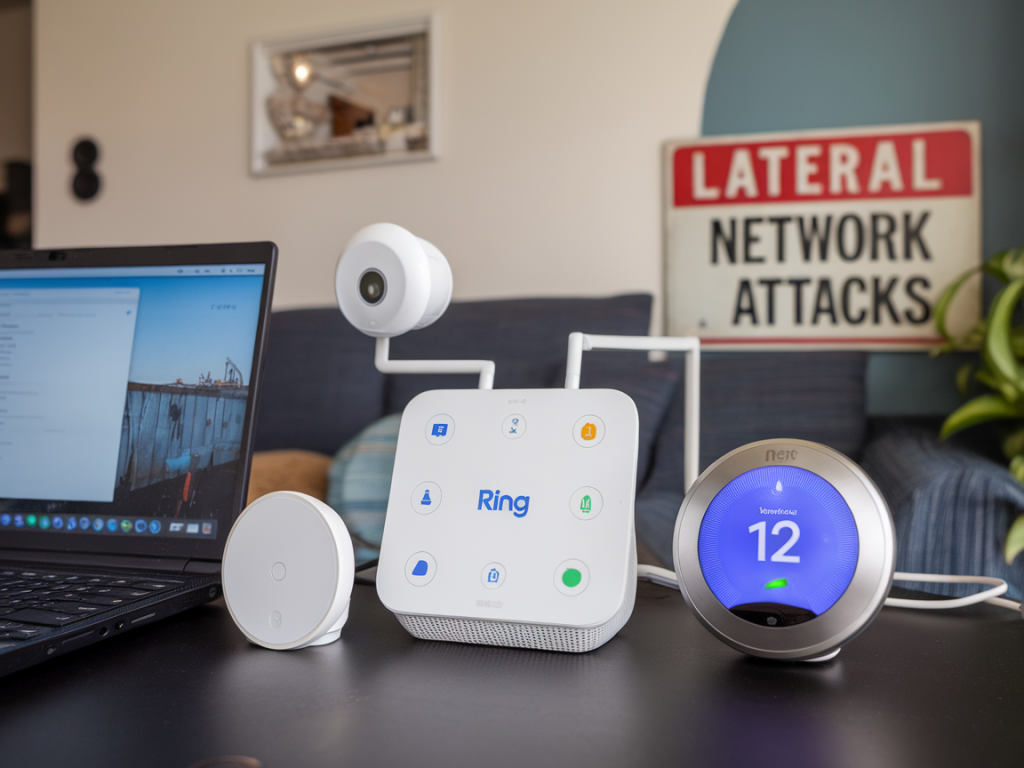
I recently set up a new smart home hub and, like many of you, I wanted to plug in my Ring cameras and a handful of Google Nest devices as quickly as possible. The excitement of a unified dashboard is real—but so is the risk. Lateral network attacks, where a compromised device hops across your local network to access other devices or sensitive data, are a very plausible threat in a mixed-vendor environment. Below I walk through what I check in any smart home hub before I connect Ring, Google or any other IoT device, including practical tests, settings to change, and trade-offs to expect.
Why this matters: the lateral attack threat model
A device like a smart hub sits at the center of my home network, talking to cameras, locks, voice assistants and sometimes cloud services. If one device gets compromised—say a poorly secured camera—the attacker can use the hub as a springboard to reach other devices (NAS, laptops, home servers) or the hub’s cloud tokens. In short: a single weak link can give attackers broader, persistent access.
First checklist: the quick things I verify on any new hub
- Firmware version and update policy: Is the hub running the latest firmware? Does the vendor offer automatic updates, and can I opt out of cloud-only updates? If firmware is old or no update mechanism exists, I delay connecting anything.
- Network segmentation support: Does the hub support VLANs, multiple SSIDs, or guest network binding per device? Can it be placed on a separate IoT VLAN or Wi‑Fi SSID?
- Device isolation options: Can I enable AP/client isolation to prevent devices on the same SSID from talking to each other directly?
- Local control vs cloud dependency: Can devices be controlled locally, or is cloud-dependent operation mandatory? Local-only operation reduces cloud-borne lateral risks.
- Authentication and account security: Does the hub support strong passwords, 2FA, SSO (with secure providers), and role-based access if multiple users exist?
- Logging and audit trail: Does the hub log device connections, failed auth attempts, and admin changes? Can I export logs for analysis?
- SSH / telnet exposure: Is there any remote shell or open management port exposed by default? If so, can it be disabled or restricted to specific IPs?
Practical network setup I use before connecting Ring or Google devices
I usually implement these measures on my router or network switch before introducing cameras and smart speakers.
- Create an IoT VLAN/SSID and put the hub, Ring and Google devices there. Keep laptops, phones, NAS and work machines on a separate trusted VLAN.
- Apply firewall rules that only allow outbound connections to vendor cloud servers the devices need. Deny inter-VLAN traffic from IoT to trusted VLANs by default.
- Enable DNS filtering and use a local Pi-hole or DNS resolver to log DNS queries from IoT devices. That helps detect suspicious C2 or data‑exfiltration attempts.
- Use static DHCP leases so you can easily identify devices by IP and set firewall rules that are device-specific.
- Enable WPA3 or WPA2‑Enterprise where possible on the IoT SSID to avoid common Wi‑Fi credential compromises. Many cheap IoT devices only support WPA2‑PSK—take note.
Device-level settings I change immediately
Once the network is shaped, I log into each device and hub during initial setup to harden specific settings.
- Change default admin credentials—always. Use a password manager to generate and store unique passwords.
- Disable UPnP for the local network unless a device absolutely needs it; UPnP is a common lateral attack enabler.
- Turn off remote management from WAN on the hub and any device unless I explicitly need it, and if I do, restrict it to VPN connections or specific IPs.
- Limit data sharing and unnecessary permissions in the hub’s app: location, contact lists, and microphone access are often unnecessary for basic operation.
- Prefer local control and LAN mode if the hub offers it; avoid mandatory cloud-only modes that route all traffic through vendor servers.
How I test that segmentation actually works
Setting rules is one thing; verifying them is another. Here are simple tests I run from devices on different network segments.
- Ping/ARP test: From a laptop on the trusted VLAN, I try to ping the hub and devices on the IoT VLAN. The pings should be blocked. If not, I tighten firewall rules.
- Port scan: I run a limited nmap scan against the IoT device IPs from my trusted VLAN to ensure no management ports (22, 80, 443, 8443, etc.) are reachable.
- DNS and HTTP inspection: Check DNS logs to confirm IoT devices only contact expected vendor domains. Unexpected domains or signs of randomized C2-style domains are a red flag.
- Attempt to access internal services: Try to reach a test SMB share or admin web UI (on the trusted side) from the IoT VLAN—should fail.
Vendor-specific notes: Ring and Google Nest
Both Ring and Google products are popular, but they have different footprints.
- Ring: Historically Ring devices have relied on cloud services for major features. Ring apps often request many permissions. I put Ring cameras on an isolated VLAN, restrict their outbound destinations to Ring cloud IP ranges (as documented), and avoid giving Ring access to local storage if possible.
- Google/Nest: Google devices may integrate more tightly with other Google services. If I’m using Nest with a Google account, I treat the cloud token as a high-value credential. I enable 2FA on the account, use a unique account for home devices where feasible, and isolate devices on a VLAN.
Quick reference table: Minimum settings to enforce
| Item | Minimum Action |
|---|---|
| Firmware | Update to latest, enable auto-updates if trustworthy |
| Network Segmentation | IoT VLAN/SSID; block IoT->Trusted traffic |
| Authentication | Unique admin passwords, 2FA for cloud accounts |
| Remote Management | Disable WAN access, restrict to VPN if needed |
| UPnP | Disable unless strictly required |
| Logging | Enable local logging; export logs for review |
What I accept as trade-offs
No security is free: segmentation and strict firewalling can limit convenience—voice assistant routines might not reach devices across VLANs, local discovery can break, and vendor features may require cloud access. I weigh convenience vs risk: for cameras and locks I favor strict isolation; for smart bulbs on a guest VLAN I might accept more relaxed rules.
Final practical tips
- Keep an inventory: Maintain a simple spreadsheet of device MACs, IPs, firmware and assigned VLANs. It helps during investigations.
- Regular reviews: Check your IoT logs and router events monthly for anomalies.
- Plan for failure: Know how to factory reset a hub and devices safely and how to revoke cloud tokens if you suspect compromise.
- Consider commercial solutions: If DIY networking is too much, look at consumer routers with built-in IoT isolation like Ubiquiti UniFi, Eero with Profiles, or Firewalla for simpler rulesets.
When I take these steps I sleep better knowing an attacker who compromises a Ring camera has a much harder time pivoting to my laptop, NAS or cloud credentials. The approach is pragmatic: mitigate the most likely lateral paths first, document what you changed and accept the convenience trade-offs that make sense for your household. If you want, I can publish a how-to with router-specific commands for Unifi, OpenWrt or common consumer routers next—tell me which one you use.