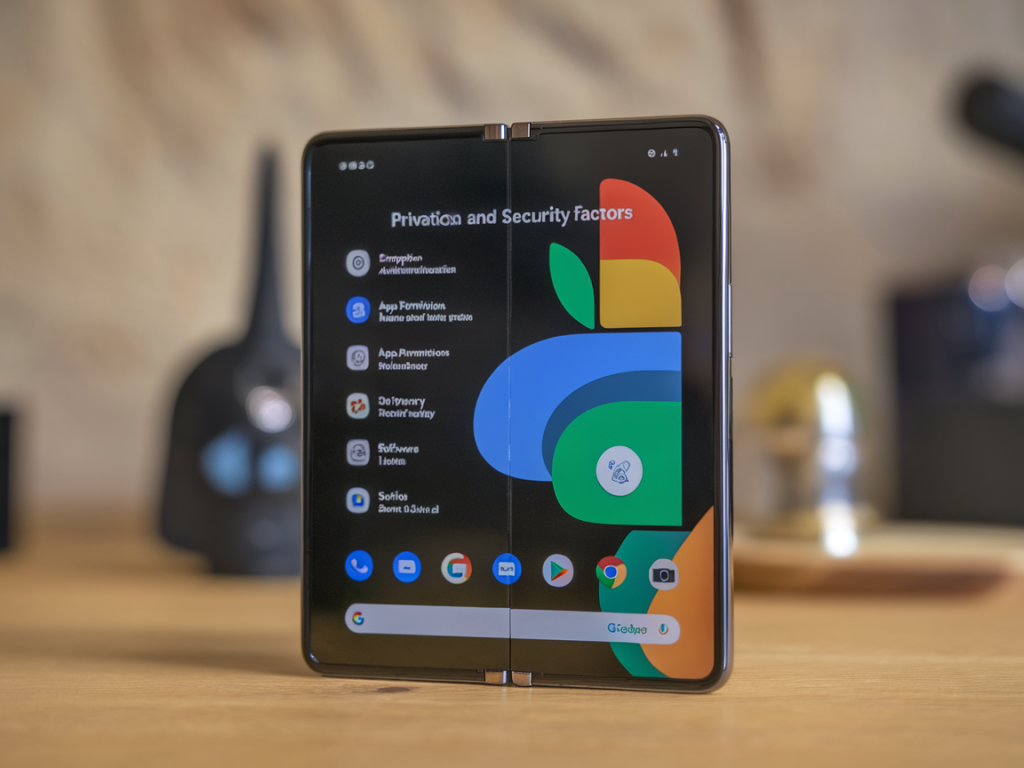
I’ve been carrying a Pixel Fold as my daily driver for several months while testing security features, privacy tradeoffs and real‑world usability. Foldables are inherently different: a larger attack surface (more sensors, hinges and screens), combined with the tight hardware‑software integration Google offers, makes for an interesting security question: Can the Pixel Fold be a secure daily phone for regular users and privacy‑conscious professionals? Short answer: yes — but only if you match settings and behavior to your threat model. Below I walk through common questions I’ve seen, what matters in practice, and a hands‑on checklist you can run through right now.
What people usually mean by “secure”
When readers ask if a phone is “secure,” they usually mean different things:
Each of these has different mitigations. The Pixel Fold includes modern protections — Google’s Titan security chip, Android’s scoped storage and permission model, Private Compute Core for sensitive ML tasks — but those only work if you configure the phone with threat‑aware defaults.
Key features on the Pixel Fold that matter for security
Practical threat models — pick your profile
Before changing settings, pick a threat model. Here are the three I use to decide what to lock down:
Your chosen model changes the balance between convenience and security.
Practical checklist — settings and behaviors to apply today
Run through this checklist and apply the items that match your threat model.
- Use a strong PIN or passphrase (not a 4‑digit PIN). Biometrics are convenient but pair them with a strong backup PIN.
- Enable auto‑lock on the shortest practical timeout (e.g., 15–30 seconds) if you’re high‑risk; otherwise 1–2 minutes.
- Turn on “Require PIN to start device” / verified boot protections if available.
- Install monthly security updates promptly. Set updates to notify and, when convenient, apply them.
- If you delay updates for compatibility, track the security bulletin for your device.
- Audit permissions via Settings → Privacy → Permission manager. Revoke broad privileges (background location, microphone, camera) unless absolutely needed.
- Prefer apps from the Play Store or reputable F‑Droid builds; avoid sideloading APKs unless you understand the risks.
- Use Android’s “Install unknown apps” toggle off by default and only enable per app when testing something.
- Use the Photos app’s “Locked Folder” for private images and files; it requires your device PIN to open.
- Consider third‑party encrypted containers (e.g., a secure notes app or encrypted file vault) for high sensitivity data.
- Use Signal for messaging if you want strong default end‑to‑end encryption. For email, prefer ProtonMail or use client E2EE tools when possible.
- Use DNS over TLS (Private DNS) in Settings → Network to avoid ISP DNS snooping. For untrusted networks, use a reputable VPN (paid, no logs).
- Disable automatic Wi‑Fi connections to open networks and set Bluetooth visibility off when not in use.
- Enable 2FA (prefer passkeys or security keys like a YubiKey for highest security). Pixel supports FIDO2/passkeys via Google Password Manager.
- Use a password manager like Bitwarden or 1Password; don’t reuse passwords.
- Back up data to encrypted cloud backups only if you accept the provider’s terms. Use local encrypted backups if you need maximum control.
- Set up a secure recovery plan (trusted contacts, recovery codes) and store recovery keys offline.
- Consider a privacy screen protector in crowded environments to reduce visual shoulder‑surfing on the large inner screen.
- When traveling, never leave the device unattended or unlocked. Use tamper‑evident cases if you expect physical inspection (e.g., crossings).
Advanced considerations (for power users and high‑risk people)
If you’re protecting against targeted or state‑level actors, some of the Pixel Fold’s convenience features become risks:
Common questions I get asked
Quick reference table — checklist summary
| Area | Action | Why it matters |
|---|---|---|
| Lock screen | Strong PIN + short auto‑lock | Protects data at rest |
| Updates | Install monthly patches | Fixes security vulnerabilities |
| Permissions | Audit & revoke broad permissions | Limits app access to sensors/data |
| Network | Private DNS + VPN on untrusted networks | Prevents traffic snooping |
| Communications | Use Signal / E2EE email | Encrypts messages end‑to‑end |
| Backups | Prefer encrypted/local backups | Reduces cloud data exposure |
If you want, I can produce a one‑page PDF checklist you can keep on your phone and walk through after a factory reset or when setting up a new Pixel Fold. I’ve used that approach during testing: the phone is fully usable day‑to‑day, but you need to be deliberate about permissions, backups and network habits to make it a genuinely secure daily driver.