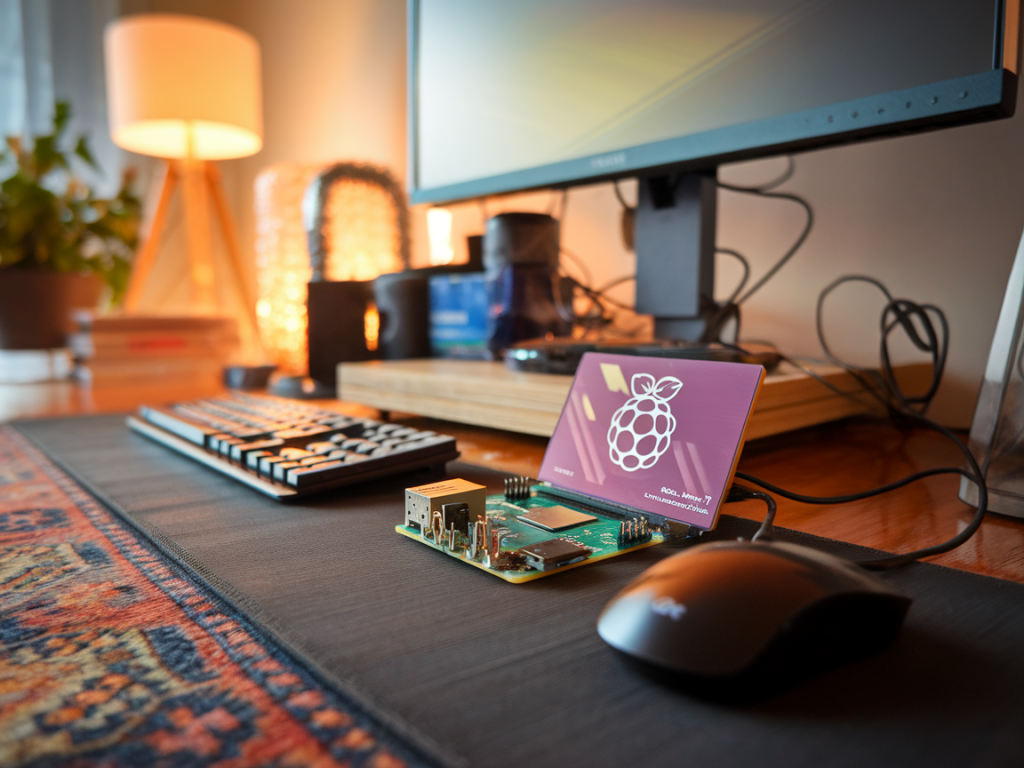
I wanted to run a useful, private large language model (LLM) from my home lab without paying recurring cloud bills or leaking sensitive data to third parties. After a few evenings of tinkering I got a workflow that works reliably on a Raspberry Pi 5: fine‑tune (or adapt) a model on my local workstation, quantize it, and serve a compact, privacy-preserving instance on the Pi. In this guide I’ll walk you through the practical steps, trade‑offs and gotchas I hit—so you can replicate the setup and keep your data local.
Why use a Raspberry Pi 5 for an LLM?
The Pi 5 is attractive because it’s cheap, low‑power and now powerful enough to run quantized LLMs for inference with reasonable latency. It’s not a competitor to a GPU cluster, but it’s ideal for private assistants, home automation integrations, and offline tools where privacy and cost matter more than raw throughput.
Overview of the approach
High level: I do heavy lifting (fine‑tuning / adapter training and quantization) on a local workstation (ideally with a GPU), then run a highly quantized model on the Pi 5 with a small server process. This avoids cloud costs while keeping training and inference data on devices you control.
What you’ll need
Minimal hardware & software list I recommend:
- Raspberry Pi 5 with at least 8GB RAM (8GB model recommended).
- Fast storage — USB4 NVMe enclosure or a good SD card. Swap on SSD is far better than on SD card for performance and longevity.
- Active cooling (fan + heatsink) — sustained CPU use gets hot.
- Local workstation with a GPU (optional but highly recommended) for fine‑tuning and quantization. You can also do CPU-only tuning for small models, but it’s slow.
- Ubuntu 24.04 or Raspberry Pi OS (I use Ubuntu for easier package parity with my workstation).
Software choices and why
There are several open-source projects that make this practical:
- llama.cpp — compact C/C++ inference engine (works well on ARM and supports ggml quantized models). Great for Pi.
- GPTQ / gptq-for-llama — quantization tools to reduce model size (4/8-bit) with good accuracy tradeoffs.
- PEFT / LoRA (on workstation) — train parameter-efficient adapters locally so you don’t need to re-train full model weights.
- text-generation-webui (optional) — nice web UI and adapter support; can run on Pi for local access if compiled for ARM.
Practical workflow
- Step 1 — Choose a base model: pick a 7B or smaller open‑weights model (Llama 2 7B, Falcon‑7B or similar). Smaller base models are easier to tune and faster on the Pi.
- Step 2 — Fine‑tune/adapt locally: on your workstation, train a LoRA adapter with your private data using Hugging Face Transformers + PEFT. Keep all training files local and encrypted if sensitive.
- Step 3 — Merge or keep adapters: You can either merge the LoRA into the base model (producing a new full model) or keep the adapter separately and apply it during inference. Merging simplifies Pi inference but increases model size.
- Step 4 — Quantize: Use GPTQ to quantize the merged model to 4/8 bits. This dramatically reduces size and makes it feasible on Pi. Test the quantized model on your workstation first.
- Step 5 — Transfer to Pi: Copy the quantized ggml model to the Pi’s fast drive. Keep strict network controls on the Pi if you want maximum privacy.
- Step 6 — Run llama.cpp or text‑generation‑webui: Start inference locally and expose only a local socket or an authenticated local web UI. Optionally create a systemd service so it starts automatically.
Example commands and tips (workstation)
These are illustrative; adapt to your environment and model choice.
Train LoRA (high level):
python train_lora.py --model path/to/base --data private_data.jsonl --output lora_adapter
Merge (if you want a single model):
python merge_lora.py --base path/to/base --adapter lora_adapter --out merged_model
Quantize with GPTQ (on workstation with GPU):
python gptq_quant.py --model merged_model --bits 4 --out quantized_ggml.bin
Installing and running on Raspberry Pi 5
On the Pi install dependencies and build a recent llama.cpp with ARM optimizations:
sudo apt update && sudo apt install build-essential cmake git libssl-dev
git clone https://github.com/ggerganov/llama.cpp.git && cd llama.cpp && make
Copy the quantized model file to the Pi’s SSD and run:
./main -m /path/to/quantized_ggml.bin -p "You are a helpful assistant" --threads 6
If you prefer a small local web UI, many forks of text-generation-webui have ARM-compatible instructions; they wrap llama.cpp and provide a browser interface. I run a local-only instance bound to 127.0.0.1 and use SSH tunnels when I need remote access.
Privacy hardening
- Keep all training/inference data on encrypted drives (LUKS). If the Pi is stolen, the model files may be recovered unless encrypted.
- Block outbound traffic by default; only allow the Pi to reach what you explicitly permit. I run a firewall so the Pi can’t phone home.
- Disable analytics and telemetry from any third‑party software. Prefer building from source so you control what runs.
- Use local authentication (HTTP basic + strong password, or a proxy that requires a client certificate) for any web UI.
Performance expectations
On a Pi 5 with a 4‑bit quantized 7B model you can expect interactive single‑user latency (0.5–3s per token) depending on prompt length and thread count. Memory and swap tuning matter: I use a 16GB swap file on an NVMe SSD for large contexts, but be careful—excessive swapping will wear out cheap SD cards quickly.
Troubleshooting and optimizations
- OOM on startup: use a more aggressive quant (4-bit), reduce context window, or offload adapters (apply merged model).
- Hot Pi: lower CPU governor or increase fan speed; thermal throttling kills throughput.
- Slow token generation: tune thread count; experiment with -t in llama.cpp. Sometimes fewer threads are better if you hit memory bandwidth limits.
- Failed quantization: ensure your GPTQ tool matches the base model architecture and tokenizer; mismatches lead to gibberish outputs.
When to avoid this setup
If you need high throughput, sub‑second latency for many concurrent users, or require the absolute best quality from very large models (30B+), a Pi is not the right choice. This setup is for single‑user assistants, local automation, and privacy‑first projects where cost and control trump raw performance.
If you want, I can supply an annotated checklist and a tailored command sequence for a specific base model you have in mind (Llama 2, Falcon, etc.). Tell me which base model and whether you plan to do full merges or keep LoRA adapters separate, and I’ll sketch the exact commands I’d run on my workstation and the Pi.