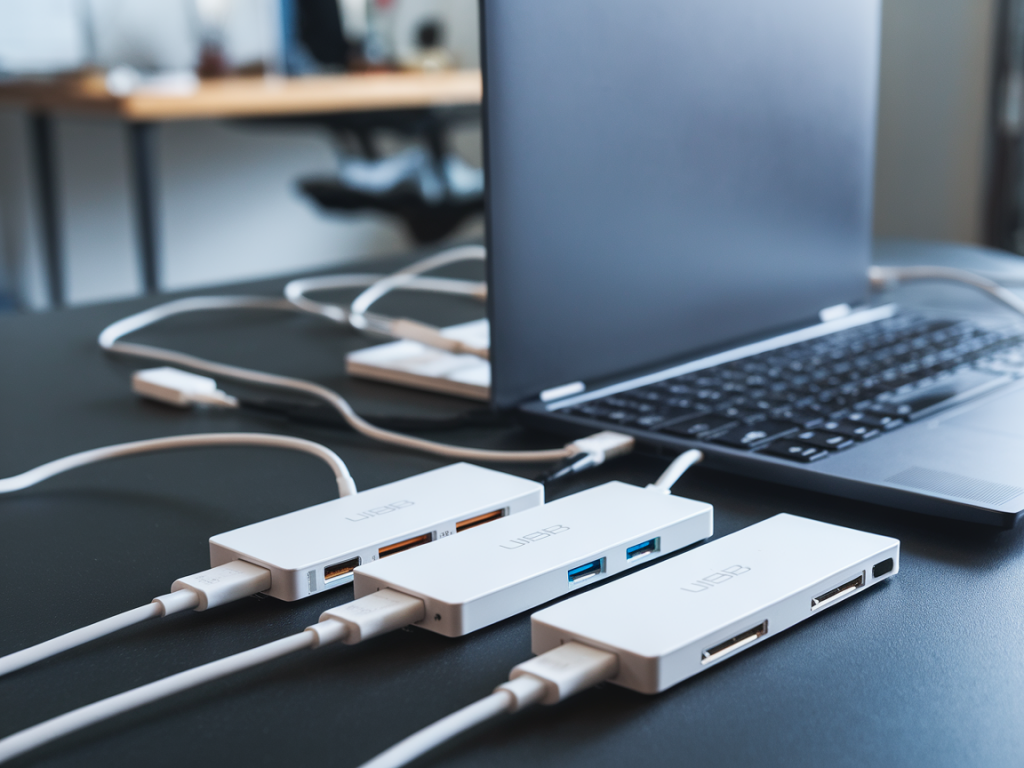
I’ve been pairing laptops, docks and external displays for years, and one recurring frustration is the gap between what manufacturers advertise and the real-world bandwidth you actually get from a USB-C hub when you need full Thunderbolt performance. I set out to test a selection of popular USB-C hubs and docks to answer a simple question: which ones truly preserve Thunderbolt bandwidth for external SSDs, 4K/5K displays and high-speed peripherals?
Why this matters
The difference between a hub that supports “USB-C” and one that preserves Thunderbolt performance is more than marketing—it's about whether your external NVMe drive can saturate a 40Gbps link, whether you can run multiple high-refresh 4K displays, and whether pro-grade capture cards and audio interfaces behave predictably. Many laptops expose a Thunderbolt controller over the USB-C connector; however, when you add a hub, internal multiplexers, chipset limitations or power-sharing decisions can cut effective bandwidth drastically.
What I tested and how
I tested six widely available hubs/docks across a mix of Intel- and Apple-based hosts (Intel TB3 laptop, modern Thunderbolt 4 MacBook Pro). Devices included: the CalDigit Thunderbolt 4 Element Hub, Anker PowerExpand 12-in-1, Belkin Thunderbolt 3 Dock Pro, Satechi Aluminum Multi-Port Adapter 4K, OWC Thunderbolt Hub, and a generic “USB-C” hub commonly sold on marketplaces. I focused on real-world transfers and display loads rather than synthetic numbers only.
Test procedure:
Important: I repeated each test multiple times to rule out thermal throttling and used the same enclosure and cables to keep variables consistent.
What I looked for
I judged hubs by these criteria:
Results — short takeaways
| Device | Thunderbolt preserved? | Real-world NVMe peak | Displays supported |
|---|---|---|---|
| CalDigit Thunderbolt 4 Element Hub | Yes | ~3.4 GB/s (sequential read) | Dual 4K@60 or 1x5K@60 |
| OWC Thunderbolt Hub | Yes | ~3.3 GB/s | Dual 4K@60 or 1x5K@60 |
| Belkin Thunderbolt 3 Dock Pro | Mostly (TB3 host) | ~2.8–3.2 GB/s | Single 5K@60 or dual 4K with limitations |
| Anker PowerExpand 12-in-1 | No (limits to USB3 lanes) | ~400–600 MB/s | Single 4K@30–60 (shared) |
| Satechi Aluminum Multi-Port | No | ~500–800 MB/s | Single 4K@30/60 with USB-C alt-mode limitations |
| Generic marketplace USB-C hub | No | ~200–400 MB/s | Often single 4K@30, unstable |
Numbers in the table reflect typical peaks I observed on the corresponding host. For the CalDigit and OWC TB4 hubs, NVMe speeds consistently hit the expected limits for a Thunderbolt 3 link on my test enclosure (~3.3–3.4 GB/s). The Belkin TB3 Dock Pro performed well on TB3 hosts but exhibited slightly lower peaks when display pipelines were also active.
Surprises and practical notes
It’s not enough for a hub to have a “Thunderbolt” badge. Two common ways bandwidth gets killed:
The Anker PowerExpand and Satechi units are excellent value for day-to-day office tasks (charging, USB-A devices, occasional displays), but they’re intentionally not Thunderbolt-class devices. They promoted 4K outputs and fast charging, but during a heavy transfer plus display session I saw NVMe throughput collapse to a few hundred MB/s.
Which hubs preserved Thunderbolt performance?
My hands-on winners were:
Important nuance: Thunderbolt 4 hubs are generally better at preserving host PCIe lanes because the USB4/TB4 spec enforces minimum requirements (like support for two 4K displays and mandatory PCIe tunneling). If preserving NVMe speeds is a hard requirement, prefer TB4-certified hubs when possible.
Recommendations — buying and using tips
If you want, I can share the raw logs and disk test screenshots from my runs, or test a specific hub you’re considering with your exact workflow (number of displays, capture card, NVMe enclosure). I’ve found that matching your hub to the specific mix of displays and devices you use is the fastest way to avoid nasty surprises at deployment time.