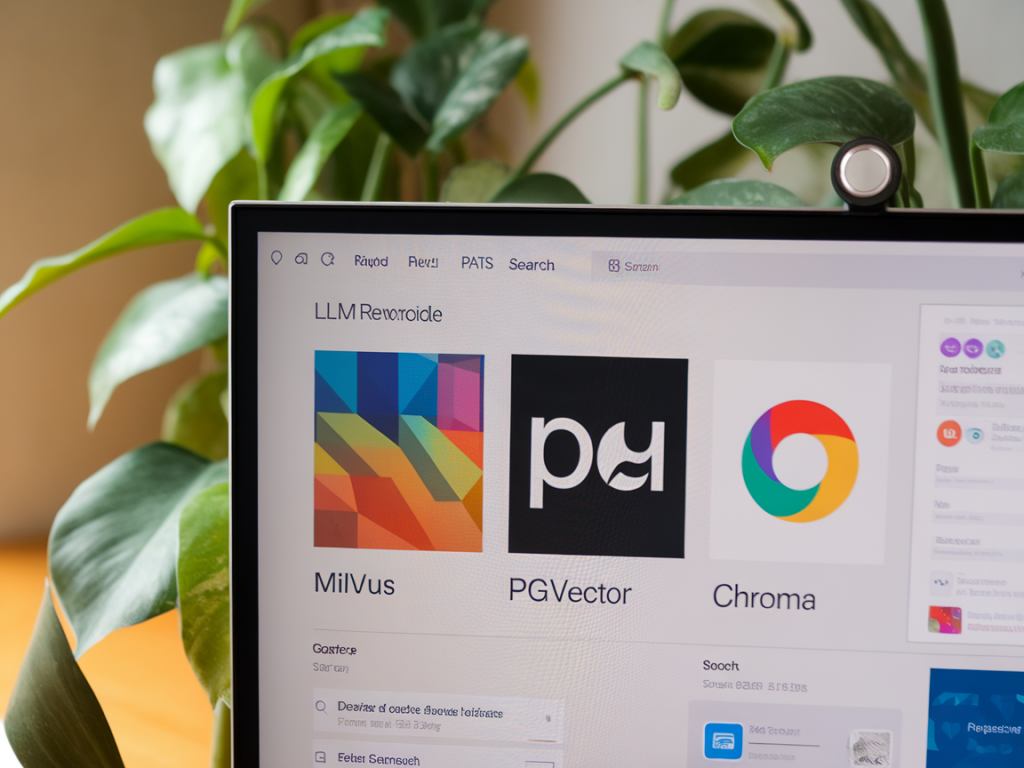
When I started evaluating self-hosted vector databases for on-device LLM search, I expected a straightforward tradeoff: pick the fastest engine and you're done. Reality was messier. The right choice depends on workload patterns, hardware constraints, embedding strategy, and how much operational complexity you’re willing to accept. Below I walk through what I learned comparing Milvus, pgvector and Chroma—practical differences, deployment notes, and which tool I reach for depending on the project.
What I mean by "on-device LLM search"
When I say on-device LLM search, I mean embedding-based retrieval that runs close to the user or in an environment where data privacy and low-latency are priorities: mobile apps, edge devices, local desktops, or tightly controlled server instances. "On-device" here doesn't necessarily mean on a phone CPU-only; it can include an edge server with limited CPU/RAM or a small GPU. The key constraints are resource limits, privacy concerns, and the need to avoid heavy cloud dependencies.
Core questions I asked
Early on I framed a few practical questions that guided my testing:
Quick feature snapshot
| Feature | Milvus | pgvector | Chroma |
|---|---|---|---|
| Primary model | Dedicated vector DB | Extension to PostgreSQL | Lightweight vector store + SDK |
| ANN algorithms | HNSW, IVF+PQ, flat, GPU-accelerated | HNSW (via ivfflat + others depend on index) | HNSW; customizable |
| Scaling | Distributed, sharding, HA | Scale via PostgreSQL tooling (sharding/replication) | Single-node; enterprise options for distributed |
| Metadata/SQL | Rich metadata + SDKs | Full SQL + relational joins | Metadata support but not full SQL |
| Ops complexity | Higher (microservices, etc.) | Familiar to DBAs | Low—single process |
| Licensing | Open source (community, some enterprise features) | Open source (Postgres + extension) | Open source core; commercial offerings |
Milvus: heavy duty, feature rich
Milvus felt like the "enterprise vector database" in my tests. It has mature clustering, supports GPU acceleration, and implements multiple indexes (HNSW, IVF+PQ) that let you tune the recall/latency tradeoff across millions or billions of vectors. If your on-device environment is actually an edge cluster (a set of servers close to users) or you anticipate scaling to very large corpora, Milvus is compelling.
What I liked:
What I didn’t love:
When I pick Milvus: distributed edge servers or a small private cloud where I need scale, HA, and hardware acceleration.
pgvector: simplicity and SQL power
pgvector is an extension to PostgreSQL that makes vectors first-class citizens in a relational DB. In practice it’s the most pragmatic option if you value SQL, transactional guarantees and the ability to mix vector search with relational queries.
What I liked:
What I didn’t love:
When I pick pgvector: when I need transactional integrity, tight relational joins, or to bolt vector search onto an existing Postgres-backed app.
Chroma: developer ergonomics first
Chroma is designed around the developer experience: a simple Python/JS SDK, fast prototyping, and straightforward persistence. It’s very appealing when you want a small, self-contained vector store that you can embed within an application or run as a single service on an edge device.
What I liked:
What I didn’t love:
When I pick Chroma: proof-of-concept, desktop or single-server deployments, or prototypes where developer speed is the priority.
Practical tradeoffs and tips from my tests
Here are a few practical lessons I picked up while actually benchmarking and building prototypes.
Example deployment patterns I used
Here are three patterns that reflect common needs I encounter:
Checklist to choose for your project
If you want, tell me about your dataset size, embedding model and hardware (CPU / RAM / GPU) and I’ll sketch a concrete deployment and index configuration tailored to your constraints.