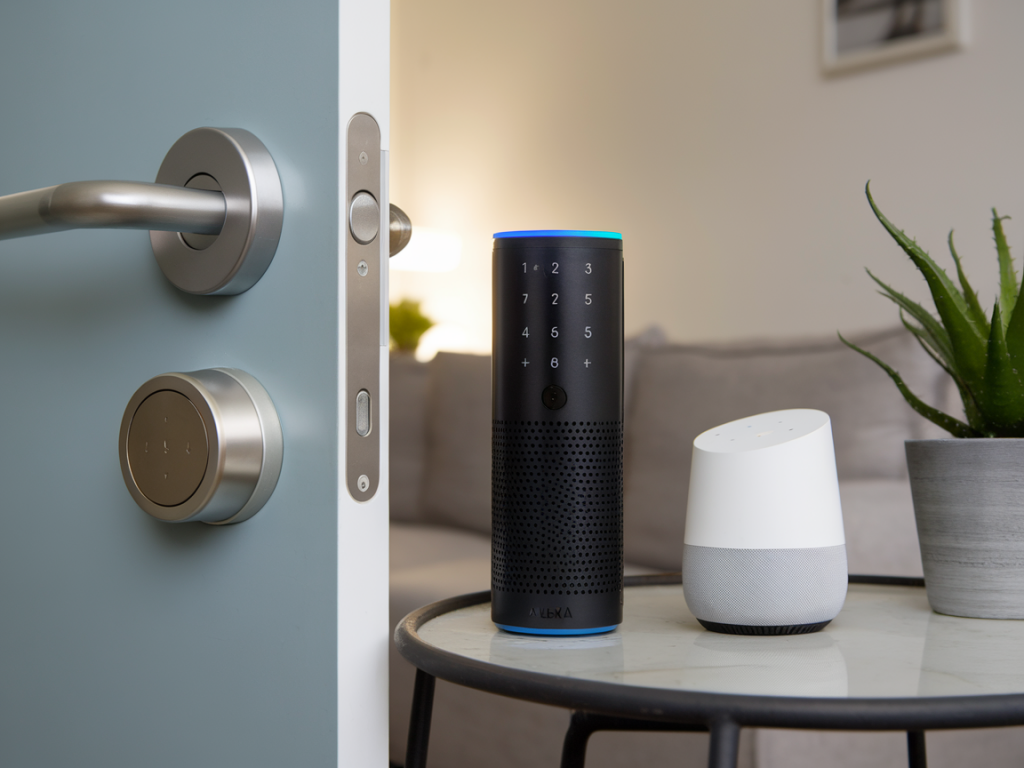
I’ve been testing smart home gear for years, and door locks are the one device that makes me pause: they protect your physical space and they're now tied into cloud services, voice assistants and mobile apps. Integrating a consumer smart lock with Alexa or Google Home can be convenient — unlocking your door with voice or automating guest access — but it also raises real security and privacy questions. In this piece I walk through the threat models, what actually matters in practice, and step-by-step mitigations so you can make an informed choice.
Why people want voice‑assistant integration (and what can go wrong)
People link locks to Alexa/Google for several reasons: hands‑free unlocking when your arms are full, creating automations (unlock when your phone arrives home), or enabling temporary access for guests or cleaners. Those are great UX wins — but each adds an attack surface.
- Voice spoofing: Someone could play a recording or use a synthesized voice to trigger an unlock if voice control is enabled without protective checks.
- Compromised voice assistant account: If your Amazon or Google account is hijacked, the attacker may be able to control linked devices.
- Insecure third‑party skills/actions: Some integrations rely on cloud skills or services with weak auth or excessive permissions.
- Local network attacks: Poorly segmented home networks can allow an attacker who gets on Wi‑Fi to talk to your lock or bridge.
- Supply‑chain and firmware risks: Vulnerable lock firmware or hubs (e.g., Zigbee/Z‑Wave bridges) can be exploited remotely or via local access.
How the common smart locks and integrations work
Understanding architecture helps choose safer options. Typical consumer locks from brands like August, Schlage, Yale and Kwikset use one of three connectivity models:
- Bluetooth‑only: Lock communicates directly with your phone. Voice integration usually goes through the phone as a bridge (less common).
- Wi‑Fi lock: Lock has built‑in Wi‑Fi and talks to vendor cloud directly. Voice assistants control via vendor cloud API.
- Hub/Bridge (Zigbee/Z‑Wave + Bridge): Lock uses Zigbee or Z‑Wave to a bridge (e.g., Samsung SmartThings, August Connect), which relays to vendor cloud or home hub; voice control often goes through the same cloud or a local hub.
From a security perspective, local control (e.g., a home hub that communicates locally) is preferable to a model where commands must traverse a vendor cloud. But few consumer setups offer fully local voice control; most rely on cloud hooks and OAuth account linking.
Practical threat model: what are attackers most likely to exploit?
- Credential compromise: Weak passwords, reused passwords, or phishing targeting your Amazon/Google or lock vendor account are common and effective attack vectors.
- Misconfigured voice settings: Allowing "unlock" without a PIN or voice match is a high‑risk configuration.
- Physical proximity attacks: Bluetooth locks with weak pairing or Z‑Wave/Zigbee radios can be attacked by a nearby adversary if protocols are misimplemented.
- Insider misuses: A household member who is allowed to configure automations or link accounts might inadvertently create insecure rules.
How to integrate the lock more safely — setup and configuration checklist
When I set up or evaluate a smart lock for integration with Alexa/Google, I follow a checklist to reduce risk:
- Choose a reputable lock and update firmware: Prefer models with a strong track record and actively maintained firmware. Brands I’ve seen do regular updates: August, Schlage Encode, Yale Linus (models vary).
- Prefer local control or a trusted hub: If possible, use a hub that supports local automations (e.g., Home Assistant with a Zigbee/Z‑Wave stick) so critical unlock commands can be handled locally without cloud hops.
- Keep vendor and assistant accounts protected: Enable 2‑factor authentication (2FA) on your Amazon/Google account and the lock vendor account. Use a password manager and unique strong passwords.
- Limit voice unlock scope: Don’t allow hands‑free voice unlock without an additional verification step. Use features like a spoken PIN, voice code, or require manual confirmation in the app for unlocks.
- Use separate guest access methods: Create time‑boxed digital keys or PIN codes for guests instead of making temporary automations that unlock via voice.
- Segment your network: Put smart home devices on a separate VLAN or guest Wi‑Fi so a compromised visitor laptop or IoT device can’t reach your primary devices or NAS.
- Audit third‑party skills/actions: Only enable official skills from the lock vendor. Revoke unused or suspicious skills.
- Monitor logs and notifications: Enable lock activity alerts and review them regularly. Many locks show who unlocked and how (app vs keypad vs voice).
Voice‑specific protections to enable
- Require a PIN for voice unlocking: Both Amazon and Google support routines or configurations that prompt for a PIN before executing sensitive actions — enable that.
- Disable unlock via voice entirely if you can’t secure it: For many households, voice unlock is an unnecessary convenience. Turning it off removes a big risk.
- Use voice match carefully: Voice recognition is improving but is not foolproof. Treat it as a convenience layer, not a primary safeguard.
- Short voice command windows: Avoid automations that unlock based on a generic phrase triggered from multiple devices; prefer tighter triggers like presence detection plus a confirmation.
Network and platform hardening
The lock is only as secure as the network and cloud glue around it. Practical steps I take:
- Enable WPA3 or at least WPA2 with a strong passphrase.
- Run a separate SSID/VLAN for IoT devices.
- Keep router and bridge firmware up to date, and change default admin passwords.
- Block unnecessary outbound connections: If you run your own hub, restrict which cloud endpoints it can reach.
- Consider local-first platforms: Solutions like Home Assistant or Hubitat can reduce reliance on vendor clouds and give you more control over automations and logging.
What to expect from manufacturers and assistants
Good vendors will document exactly how voice unlock works, what data is shared, and whether commands can be handled locally. When I evaluate a vendor I look for:
- Clear privacy policy and minimal data collection.
- Ability to restrict cloud features or opt for local mode.
- Meaningful security controls (PINs, time‑limited codes, 2FA support).
- Transparent update cadence and CVE disclosures.
If you find a vendor that hides details about how voice assistant integration works — particularly whether unlocks pass through their cloud or are executed locally — treat that as a red flag.
Quick comparative table: common protocols and security considerations
| Protocol/Model | Pros | Cons |
|---|---|---|
| Bluetooth (phone‑centric) | Limited cloud exposure; good battery life | Range limitations; voice integration often needs a bridge |
| Wi‑Fi (built‑in) | Direct cloud features; easy remote control | More cloud dependency; larger attack surface if firmware vulnerable |
| Zigbee/Z‑Wave + Bridge | Lower power radios; can be local with proper hub | Bridge/hub security critical; some bridges cloud‑dependent |
Realistic tradeoffs
If you value maximum convenience, linking your lock to Alexa or Google and accepting cloud dependencies is a reasonable choice — but only after you harden accounts, enable 2FA, and limit voice unlock. If your top priority is security and you’re comfortable with a bit more complexity, choose a lock/hub setup that allows local control (Home Assistant/Hubitat) and disable cloud unlocks.
Ultimately the question isn’t whether integration is possible — it clearly is — but whether you can tolerate the residual risk. With the checklist above you can keep the attack surface small while still enjoying many of the conveniences smart locks offer. If you want, I can walk through the setup of a specific lock model (e.g., August Wi‑Fi Bridge + August Smart Lock, Schlage Encode, Yale Assure) and show exactly which settings to change for Alexa or Google; tell me which model you have.